
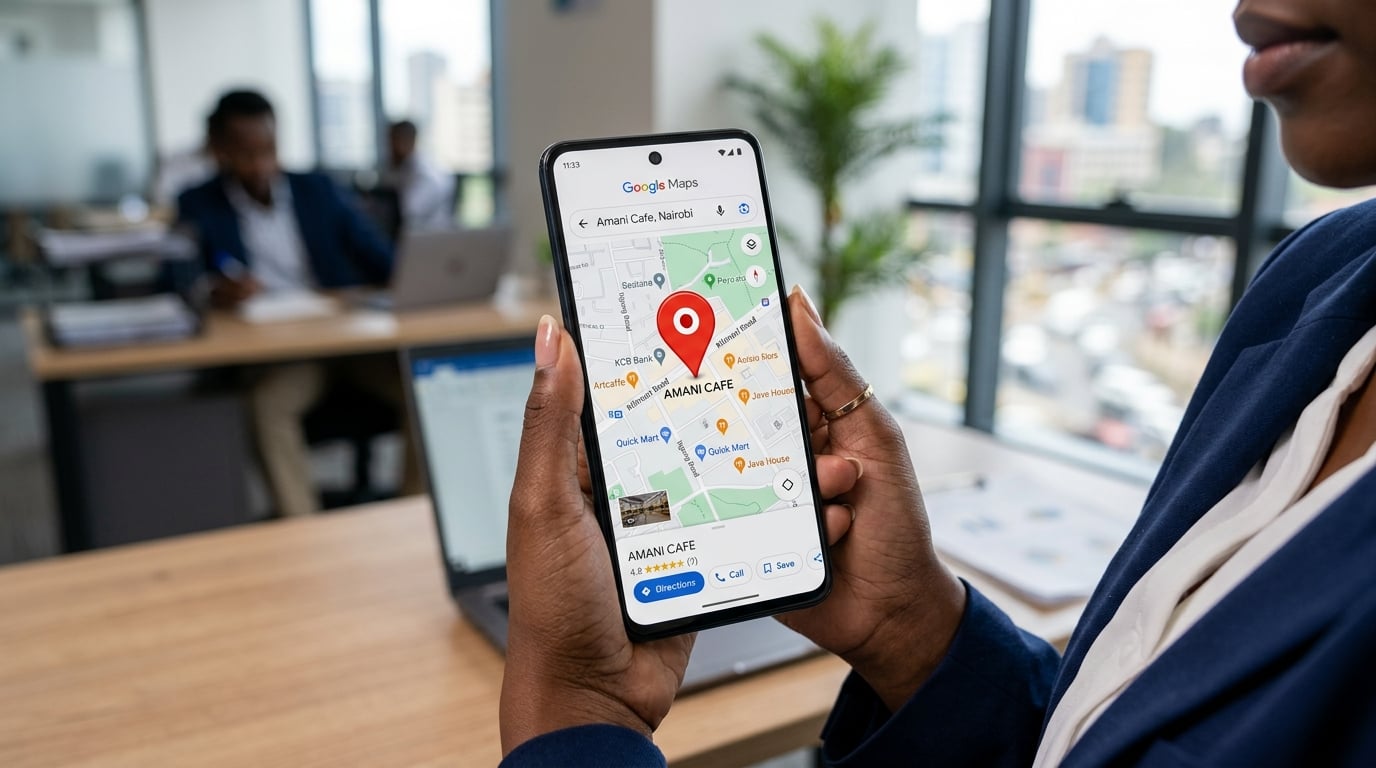
Your Business Is Invisible Online — And Google Business Profile Is the Fix
Let me be blunt: if your business doesn't appear on Google Maps when someone in Bulawayo, Harare, or Victoria Falls searches for what you sell, you are losing customers every single day. Not to a competitor who is better than you. Not to someone with a bigger budget. To someone who simply took 30 minutes to set up their Google Business Profile correctly.
I've worked with dozens of Zimbabwean businesses — from hardware stores in Gweru to lodges in Hwange — and the pattern is always the same. The owner knows their product is excellent. Their existing customers love them. But new customers can't find them online. The solution, more often than not, starts with Google Business Profile (GBP), formerly known as Google My Business.
In this guide, I'm going to walk you through exactly how to set up and optimise your Google Business Profile in Zimbabwe in 2026. I'll cover the verification process, the specific fields that matter most for local search rankings, and the ongoing management habits that separate businesses that dominate Google Maps from those that don't appear at all.
What Is Google Business Profile and Why Does It Matter in Zimbabwe?
Google Business Profile is a free tool that lets you manage how your business appears on Google Search and Google Maps. When someone searches "plumber Bulawayo" or "accountant Harare CBD," the businesses that appear in that prominent map section at the top of the results — the so-called "Local Pack" — are all using Google Business Profile.
In Zimbabwe, this matters enormously for a few specific reasons:
- Mobile-first market: The vast majority of Zimbabweans access the internet via smartphone. Google Maps is one of the most-used apps. If you're not on it, you don't exist for mobile searchers.
- Trust signals: A verified GBP listing with photos, reviews, and accurate hours signals legitimacy to potential customers who don't yet know your brand.
- Zero cost: Unlike paid advertising, a well-optimised GBP listing generates ongoing organic visibility at no cost per click.
- Competitive gap: Many Zimbabwean businesses have either not claimed their listing or have left it incomplete. This is your opportunity to stand out.
I've seen a Bulawayo restaurant go from near-zero online enquiries to receiving 15-20 calls per week purely from Google Maps — within 60 days of properly setting up their profile. The investment was time, not money.
Step 1: Claim or Create Your Google Business Profile
Searching for an Existing Listing
Before you create a new listing, search for your business on Google Maps. Google sometimes auto-generates listings from data it finds online. If your business already appears, you'll see an option to "Claim this business." Click it and follow the verification steps.
If no listing exists, go to business.google.com and click "Add your business to Google." You'll need a Google account — I recommend creating a dedicated business Gmail account rather than using a personal one.
Entering Your Business Name
Use your exact legal or trading name. Do not stuff keywords into your business name. Google's guidelines prohibit this, and it can get your listing suspended. "Harare Plumbing Services — Best Plumber — Emergency Plumber Harare" is a violation. "Harare Plumbing Services" is correct.
Choosing Your Business Category
This is one of the most important decisions you'll make. Your primary category tells Google what type of business you are and determines which searches you're eligible to appear for. Be as specific as possible. If you're a law firm, don't just choose "Lawyer" — choose "Corporate Law Attorney" or "Family Law Attorney" if those are more accurate.
You can add secondary categories too. A hotel that also has a restaurant might choose "Hotel" as primary and "Restaurant" as secondary.
Step 2: Verification — The Zimbabwe-Specific Challenge
Verification is where many Zimbabwean businesses get stuck. Google needs to confirm that your business is real and located where you say it is. The available verification methods in Zimbabwe are:
- Postcard by mail: Google sends a physical postcard with a verification code to your business address. In Zimbabwe, this is unreliable. Postal delivery can take weeks or fail entirely. If you choose this method, be patient and request a new postcard if it doesn't arrive within 14 days.
- Phone verification: Available for some businesses. Google calls or texts a code to your registered phone number. This is faster and more reliable in Zimbabwe.
- Email verification: Available for some account types. Check if this option appears for your listing.
- Video verification: Increasingly common. You record a short video showing your business location, signage, and equipment. This is becoming the default for new listings in many markets.
- Instant verification: If your business is already verified in Google Search Console, you may be instantly verified.
My recommendation for Zimbabwean businesses: if phone or video verification is available, use it. Don't rely on the postal system. If you're in Bulawayo or Harare and need help navigating the verification process, get in touch with me directly — I've helped many local businesses get through this step.
Step 3: Completing Your Profile — Every Field Matters
A half-completed profile is almost as bad as no profile. Google rewards completeness. Here's what you need to fill in:
Business Description
You have 750 characters. Use them wisely. Write a natural description of what you do, who you serve, and what makes you different. Include your primary keywords naturally — for example, "web design Bulawayo" or "SEO services Zimbabwe" — but write for humans first. Avoid keyword stuffing.
Business Hours
Set accurate hours and keep them updated. If you're closed on public holidays, use the "Special hours" feature to mark those days. Nothing frustrates a potential customer more than driving to your premises based on Google's listed hours only to find you closed.
Phone Number and Website
Use a local Zimbabwe number. If you have a website, link to it. If you don't have a professional website yet, this is a gap worth addressing — a proper business website significantly increases the trust signals around your GBP listing. I offer web design services in Bulawayo and web design in Harare if you need to get that sorted.
Service Area vs. Physical Location
If customers come to your premises (a shop, restaurant, or office), set your address. If you go to customers (a plumber, electrician, or delivery service), set a service area instead — or both. For service-area businesses, you can specify the cities or regions you cover: Bulawayo, Harare, Gweru, Mutare, and so on.
Products and Services
Use the Products and Services sections to list what you offer with descriptions and prices where applicable. This content appears directly on your GBP listing and gives Google more context about your business. A hardware store in Masvingo might list "roofing sheets," "cement," "paint," and "plumbing supplies" — each with a brief description.
Step 4: Photos — The Most Underused Feature
Businesses with photos on their GBP listings receive significantly more clicks and direction requests than those without. Yet most Zimbabwean businesses either have no photos or have uploaded blurry, poorly lit images taken on an old phone.
Here's what you should upload:
- Cover photo: Your best, most representative image. This is what people see first.
- Logo: A clean version of your business logo.
- Interior photos: Show your premises — the shop floor, office, restaurant interior.
- Exterior photos: Help customers identify your location from the street.
- Team photos: Put faces to the business. This builds trust.
- Product/service photos: Show what you actually sell or do.
Aim for a minimum of 10 photos to start. Add new photos regularly — Google's algorithm notices fresh activity on your listing. You don't need a professional photographer. A modern smartphone in good lighting produces perfectly acceptable images.
Step 5: Google Reviews — Your Most Powerful Ranking Signal
Reviews are the single most impactful factor in local search rankings after proximity and relevance. A business with 50 genuine 4.5-star reviews will almost always outrank a competitor with 3 reviews, even if the competitor's website is better.
How to Get Reviews in Zimbabwe
The challenge in Zimbabwe is that review culture is less established than in markets like the UK or USA. Many satisfied customers simply don't think to leave a review. You need to ask — directly and repeatedly.
Here's what works:
- Ask in person: After a successful transaction, tell the customer: "If you're happy with the service, I'd really appreciate a Google review. It takes about 2 minutes and helps us a lot."
- Send a WhatsApp message: WhatsApp is the dominant communication channel in Zimbabwe. Send a follow-up message with your direct review link (available in your GBP dashboard under "Get more reviews").
- Add a review request to invoices: A simple line at the bottom of your invoice or receipt: "Happy with our service? Leave us a Google review: [link]"
- Create a QR code: Generate a QR code that links directly to your review page and display it at your counter or on your packaging.
Responding to Reviews
Respond to every review — positive and negative. For positive reviews, a brief, genuine thank-you is sufficient. For negative reviews, respond professionally, acknowledge the concern, and offer to resolve it offline. Never argue with a reviewer publicly. Your response is read by future customers, not just the reviewer.
Step 6: Google Posts — Keep Your Profile Active
Google Posts are short updates that appear directly on your GBP listing. Think of them like social media posts, but they appear in Google Search results. You can use them for:
- Promotions and special offers
- New products or services
- Events (a sale, a workshop, a launch)
- General updates about your business
Posts expire after 7 days (except Event posts, which expire after the event date). I recommend posting at least once per week. This signals to Google that your listing is actively managed, which positively influences your ranking.
Step 7: Questions and Answers
The Q&A section of your GBP listing allows anyone to ask questions about your business — and anyone to answer them. This means a competitor or a disgruntled person could theoretically post misleading answers.
Take control of this section proactively. Seed it with the questions your customers most commonly ask, and answer them yourself. "Do you offer delivery in Bulawayo?" "What are your payment methods?" "Do you accept EcoCash?" These are the kinds of questions that, when answered clearly, convert browsers into buyers.
Common Mistakes Zimbabwean Businesses Make
After auditing dozens of GBP listings for local businesses, I see the same mistakes repeatedly:
| Mistake | Impact | Fix |
|---|---|---|
| Inconsistent business name/address across the web | Confuses Google, reduces ranking | Ensure NAP (Name, Address, Phone) is identical everywhere |
| No photos or outdated photos | Lower click-through rate | Upload 10+ quality photos, refresh quarterly |
| Wrong business category | Appearing for irrelevant searches | Research competitors' categories, choose the most specific match |
| Never responding to reviews | Signals neglect to Google and customers | Set a weekly reminder to check and respond |
| Listing not verified | Listing may not appear at all | Complete verification immediately |
How GBP Fits Into Your Broader Local SEO Strategy
Google Business Profile is the foundation of local SEO, but it's not the whole building. To truly dominate local search in Zimbabwe, you need a coordinated approach that includes your GBP listing, your website, and your presence across other online directories.
Your website needs to be optimised for local keywords — "accountant Harare," "solar installation Bulawayo," "lodge Victoria Falls" — with dedicated location pages where relevant. The signals from your website reinforce your GBP listing and vice versa. I cover this in detail in my broader local SEO Zimbabwe guide, and if you want a full SEO strategy for your business, my SEO services cover everything from technical optimisation to content strategy.
For businesses in specific cities, I also offer targeted local SEO work in Bulawayo and Harare — tailored to the competitive landscape in each market.
What Does This Cost?
Setting up and optimising your Google Business Profile yourself costs nothing except time — roughly 3-5 hours for the initial setup and ongoing 30-60 minutes per month for management.
If you'd prefer to have it done professionally, or if you want ongoing management as part of a broader digital marketing strategy, my local SEO packages start from $150/month and include GBP management, review strategy, and monthly reporting. For a one-time setup and optimisation, I charge $80-$120 depending on the complexity of the business.
Compare that to the cost of a single lost customer — for most businesses, the ROI is obvious.
Your Next Step
If you've read this far, you now have everything you need to set up and optimise your Google Business Profile in Zimbabwe. The question is whether you'll act on it today or let another week pass while your competitors capture the customers who are searching for exactly what you offer.
Start with the basics: claim your listing, complete every field, upload your photos, and ask your next five customers for a review. Those four actions alone will put you ahead of the majority of Zimbabwean businesses on Google Maps.
If you want expert help — whether that's a full GBP setup, an ongoing local SEO strategy, or a professional website to back it all up — let's have a conversation. I work with businesses across Zimbabwe and I know the local market. There's no obligation, just a straightforward discussion about what would actually move the needle for your business.